Carry On Together Tools & Prep Hub
PC checks, requirements, and launch-day checklists before your crew starts moving furniture.
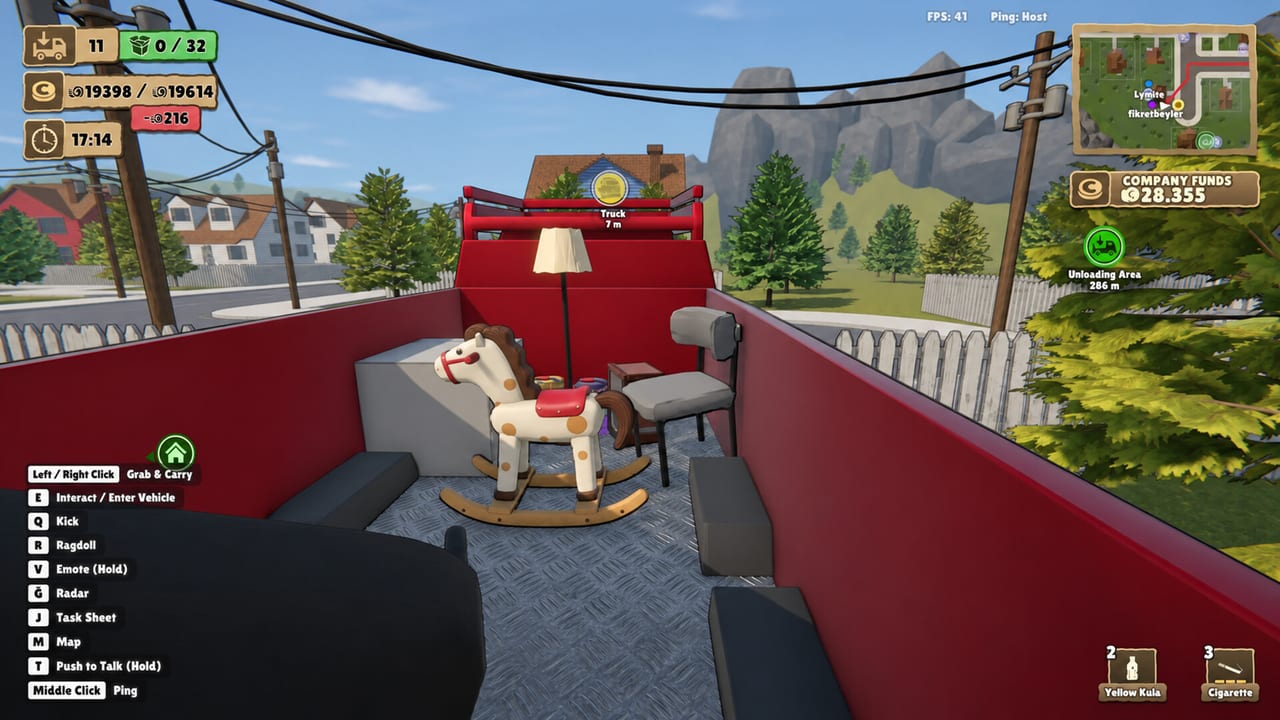
The Tools hub is the practical prep desk for Carry On Together. Before you schedule a four-player moving night—or a quiet solo practice run—verify hardware, Steam products, and communication setup. The deep specification page is System Requirements; this hub explains what to check and in what order.
Developer Butiq Games and publisher Red Axe Games list the game on Steam as an upcoming physics co-op title (app 4776500) with a free demo (app 5338620). Store messaging has pointed at a November 27, 2026 window after earlier approval-related slips—confirm live status on Release Status.
What belongs in Tools
- Minimum and recommended PC specs
- Storage, DirectX, and OS expectations
- Steam Deck compatibility notes (currently Unknown on store data)
- Controller / input expectations at a high level
- Launch-day and demo-night checklists for hosts
Gameplay tutorials live under the Guides Hub. Crew formation lives under the Players Hub. Official URLs live on the Links Hub.
Launch-day checklist (full game night)
Use this when Steam finally unlocks the full app—or when you rehearse as if it already did:
- Confirm product — Everyone launches app 4776500, not the leftover demo shortcut, unless you intentionally stay on the trial.
- Update Steam — Client + game build fully updated before invites.
- Read requirements — Host and guests skim System Requirements (min roughly Windows 10 / Core i5-6600 / 8 GB RAM / GTX 970 / DX11 / 2 GB storage; recommended Windows 11 / Core i7-8700 / 8 GB / GTX 1070).
- Graphics preset — Demo patches introduced clearer presets including a low-end option; start stable, then raise settings.
- Voice ready — Discord or equivalent open; official server linked from Links Hub.
- Role plan — Name a driver and a heavy-carry pair using the Multiplayer Guide.
- News glance — Thirty-second check of Steam news for hotfix day surprises (Updates Hub).
- Backup plan — If the full unlock is delayed again, fall back to the updated demo without arguing in voice chat.
Demo-night checklist
- Install or update Carry On Together Demo (5338620).
- Confirm Demo 1.7+ features if you expect homeowners, training area, and newer equipment—see Demo Updates.
- Meet in the training area before the first scored job.
- Verify ping / map / job sheet keys still match your muscle memory.
- Keep Controls and How to Carry open in a browser tab for new movers.
Host PC responsibilities
Physics co-op is sensitive to hitching. The host should:
- Close heavy background downloads during jobs
- Prefer wired Ethernet when possible
- Avoid the highest graphics preset on minimum-spec GPUs
- Know how to reinvite after a disconnect (demo notes emphasized reconnect / late-join improvements in the 1.7 era)
Guests should still meet minimum specs; a single low-FPS carrier who rubber-bands through doorways ruins timing for everyone.
Wishlist and storage hygiene
- Wishlist the full game so Steam notifies you at unlock
- Keep ~2 GB free for the full game listing (demo store text has cited higher figures on some pages—leave extra headroom)
- Do not delete the demo until your whole crew has migrated and you no longer need a practice sandbox
Full-game content reminder for planners
When the commercial build ships, expect the demo town plus highland village and high-tech city regions. That may change recommended GPU comfort even if the formal Steam table stays the same—revisit this Tools hub after launch patches.
Quick links
- System Requirements — full min/rec tables and Deck notes
- Getting Started — first session flow
- Driving Tips — truck prep mindset
- Release Status — upcoming vs unlocked
Prep is unglamorous; crushed toilets are memorable. Use Tools so the memorable part is the joke, not the crash to desktop.
Frequently Asked Questions
Quick answers for movers, drivers, and co-op crews.
What is the Tools Hub for?
PC prep: system requirements, launch-day checklists, and readiness steps before demo or full-game co-op nights.
Where are the exact Steam specs?
See the System Requirements page linked from this hub for minimum and recommended tables.
Do I need a high-end PC for the demo?
Meet at least the minimum specs. Demo patches added clearer graphics presets to help lower-end machines run more comfortably.
What should hosts do on launch day?
Update Steam, confirm everyone is on the full app (when unlocked), set a stable graphics preset, open voice chat, and skim Steam news for hotfixes.